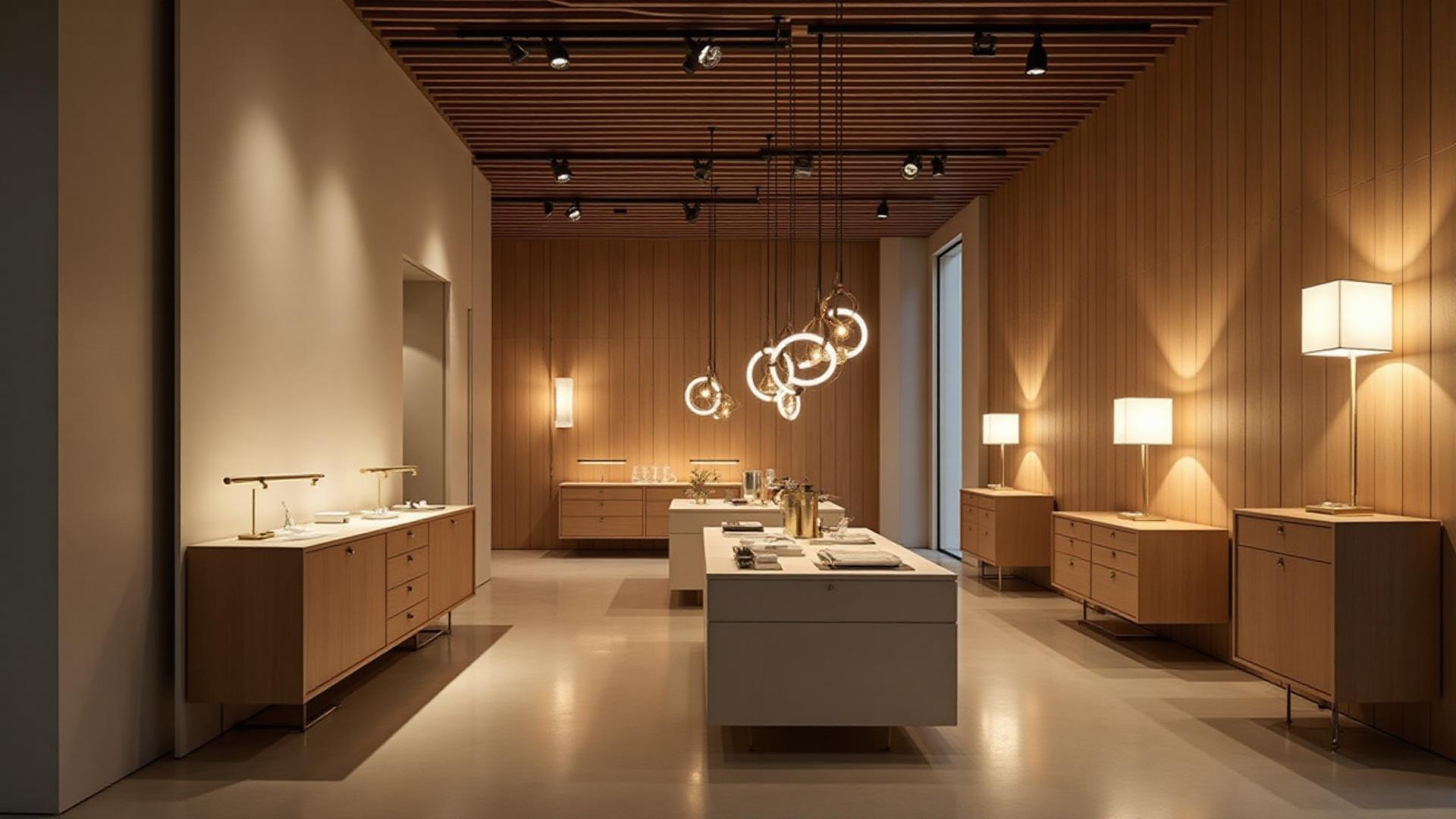
Generate Professional Architectural Lighting Plans & Schedules in Minutes—Not Days.
Your AI-powered lighting consultant. Instantly calculate Lux levels, automate compliance (IP Ratings, Part L/Title 24), and export client-ready RCPs and Cut Sheets.
7 days free, then £27.99/month. Cancel anytime.
Stop Guessing Lumens and Wasting Hours on Spreadsheets.
Great lighting makes a project, but designing it is a technical headache.
Are you tired of manually calculating foot-candles and lumens for every room?
Do you worry about specifying the wrong IP rating for a bathroom zone?
Is outsourcing to a lighting designer blowing your project budget or slowing down your timeline?
You shouldn't have to choose between expensive consultants and guesswork. You need a tool that speaks the language of design and engineering.
Professional Lighting Design, Automagically.
We built the first AI tool that thinks like a Senior Lighting Designer. Simply input your room dimensions and type (e.g., Residential Kitchen or Commercial Office), and our engine creates a fully compliant, aesthetically balanced lighting scheme instantly.
From Sketch to Schedule
Turn a floor plan into a comprehensive lighting schedule in one click.
Compliance on Autopilot
Never worry about code violations. We automatically assign the correct IP ratings (Zone 1 vs Zone 2) and check energy requirements.
Client-Ready Deliverables
Download branded Specification Sheets, Reflected Ceiling Plans (RCPs), and Fixture Schedules that look like they cost thousands to produce.
1. Automated Lighting Calculations
Stop using "Rule of Thumb." Our AI calculates precise Lux and Lumen levels based on room size, ceiling height, and daylight ingress. Whether you need 500 Lux for an office or 50 Lux for a moody lounge, the math is done for you.
2. Smart Compliance & Safety
- IP Ratings: Automatically suggests IP44 or IP65 fixtures for wet zones in bathrooms and exteriors.
- Energy Codes: Checks against Title 24, Part L, and other local energy standards.
- Color Temperature: Recommends the perfect Kelvin (2700K vs 3000K vs 4000K) based on the room's function.
3. Instant Documentation
Forget copy-pasting images into Word documents. We generate:
- Lighting Schedules: (Excel/PDF) with Lamp Type, Wattage, Beam Angle, and Driver specs.
- Fixture Cut Sheets: Professional spec sheets for every product recommended.
- Architectural Symbols: Standardized 2D symbols for your RCPs and CAD drawings.
Frequently Asked Questions
Everything you need to know about automated lighting design, compliance, and schedules.
Technical Compliance & Regulations
How does the software handle energy code compliance (Title 24 / Part L)?
Our engine validates every design against local energy codes automatically. For UK projects, it checks Part L (lumens per circuit watt). For US projects, it ensures compliance with Title 24 and IECC standards. If a fixture exceeds the allowed wattage density, the system flags it and suggests an energy-efficient alternative instantly.
Does the tool calculate UGR (Unified Glare Rating) for offices?
Yes. For commercial spaces, the tool runs a UGR calculation to ensure visual comfort. It specifically checks that UGR is <19 for office workstations and <22 for reception areas, helping you meet WELL Building Standard and LEED lighting credits without manual math.
Can I mix 2700K and 3000K color temperatures in the same plan?
Yes, but our AI will advise on best practices. While you can mix temperatures, the tool typically recommends maintaining a consistent Kelvin temperature per zone (e.g., 3000K for task areas, 2700K for lounge areas) to avoid clashing visual aesthetics. You can override these defaults in the "Custom Specification" tab.
How do you determine the correct IP rating for bathrooms?
We use a zone-based algorithm. When you designate a room as a "Bathroom," you can draw Zone 0, 1, and 2 boundaries. The tool strictly filters fixture recommendations:
- Zone 0: IP67 (Submersible)
- Zone 1: IP65 (Water jet resistant)
- Zone 2: IP44 (Splash resistant)
- Outside Zones: IP20+
Software Workflow & Integration
Can I import floor plans from AutoCAD, Revit, or SketchUp?
Yes. You can upload .DWG, .DXF, or PDF floor plans directly. For Revit and SketchUp users, we offer a plugin that allows you to sync your room geometry directly into our calculation engine, eliminating the need to redraw walls.
What is the difference between an RCP and a Lighting Schedule?
An RCP (Reflected Ceiling Plan) is a visual drawing showing where lights are located on the ceiling. A Lighting Schedule is a data spreadsheet listing what those lights are (Lamp type, Wattage, Manufacturer, Product Code). Our software generates both simultaneously from a single design input.
Can I edit the Cut Sheets with my own branding?
Absolutely. The "White Label" feature allows you to replace our default logo with your firm's branding on all generated PDF Cut Sheets, Specifications, and Schedules. This ensures the client sees your professional presentation, not a software watermark.
Does the tool provide Reflected Ceiling Plan (RCP) symbols?
Yes. The software generates standard architectural lighting symbols (recessed downlights, linear pendants, wall sconces) compatible with DWG and PDF formats for seamless integration into your Reflected Ceiling Plan.
Business & Cost (ROI)
How much does professional lighting design cost compared to this tool?
Hiring a dedicated lighting consultant typically costs between $1,500 - $5,000 for a standard residential project (or $150+/hour). Our tool allows you to generate unlimited compliant plans for a flat monthly subscription, often costing less than one hour of a consultant's time.
Why shouldn't I just use the "Rule of Thumb" for lighting?
The "Rule of Thumb" often leads to over-lighting (wasting energy) or under-lighting (poor visibility). It fails to account for room reflectance (dark walls absorb light), ceiling height (inverse square law), and beam angles. Our AI performs a photometric calculation that accounts for these variables to guarantee the correct Lux levels.
Do I need to be a lighting designer to use this?
No. The tool was built specifically for Architects, Interior Designers, and Electricians. You input the "Design Intent" (e.g., "Moody," "Bright," "Minimalist"), and the AI translates that into technical specifications (Lumens, Beam Angles, Kelvin) for you.
Can I use this software for commercial lighting plans?
Yes. Our AI creates lighting plans for both residential and commercial projects, calculating the required Lux levels for specific tasks (like 500 Lux for workstations) to ensure code compliance.
Your Designs Deserve Perfect Light.
Don't let bad lighting ruin great architecture. Get the precision of a lighting engineer with the ease of a design app.
7 days free, then £27.99/month. Cancel anytime.